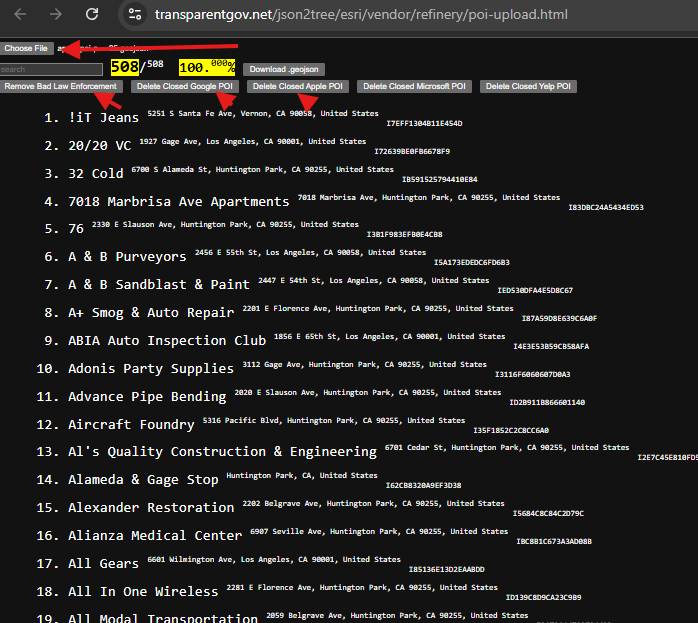
Step 1.
A fundermentally different way to keep gis data stay in current :
Asuming you have gis data reservoir and you receive new update.
1) find what is new, add to reservoir
2) find what have no change, skip.
3) find what no longer exist, delete from reservoir.
Step 2.
Tradition way to keep gis data stay in current is use Arcgis PRO merge tool.
For example LA county address database, USGS pad open land database
both of them collecting data from sub-agency.
LA county collect address from 180 cities, USGS collect data from 50 states and 11 other federal agencies.
USGS combine all the collected data every two more years and release it.
When you download data from USGS, data is NOT current, it is two years old
Even 50 states already submit latest data, you still not see latest update until two years later, when they decide to combine all 50 states again.
Step 3.
The merge tool isn't smart, it can NOT tell,
1). which address is new,
2). which address has no change,
3). which address no longer exist.
Merge tool simply combine 2 data set into 1 dataset.
you need to build your own smart tool
which can tell which address is new, then add to reservoir
Which address have no change, then no change to reservoir.
Which address no longer exist, then delete from reservoir.
Step 4.
I build a refinery tool, inspired from raw oil refinery. When a new ship with raw oil come, you pump raw oil into refinery, as result, you get gas, natual gas, disels. and so on. Whenever a ship come first, you process that ship. Your gas reservoir always have gas from newest arrival ship. It is "always current"
For example USGS, whenever a state submit new data, they should use refinery tool:
1).find which polygon is new, then add to their reservoir
2). find which polygon have no change, then skip,
3). find which polygon no longer exist, then delete from their reservoir
This method will keep your previous years work results. No need to repeat previous years task again and again and again for ever.
You simply add a few new polygon and delete a few old polygon.
Step 5.
Why USGS would not update ad-hoc instead of waiting until 2 years later?
USGS need 12 month to combine 50 states. Because they have no way to keep previous years work results, They have to repeat previous years work again and again for ever.
For example, in 2021 USGS PAD release, USGS spend 2 months to clean up invalid polygon. In 2023 release, they have to repeat the same task again for another 2 months.They have multiple such kind of 2 month task, correct overlapped geometry, error, etc. added together make 1 year long.
Step 6.
In 2022, they start to use FME to automate the process, it helps a little, in 2023 release, they still spend 1 year even with FME.
The whole method they use is not efficient at all,.
Step 7.
To find identical address, these multi steps is not what we want, too complicated, not applicable.
we need one-click to do all button.
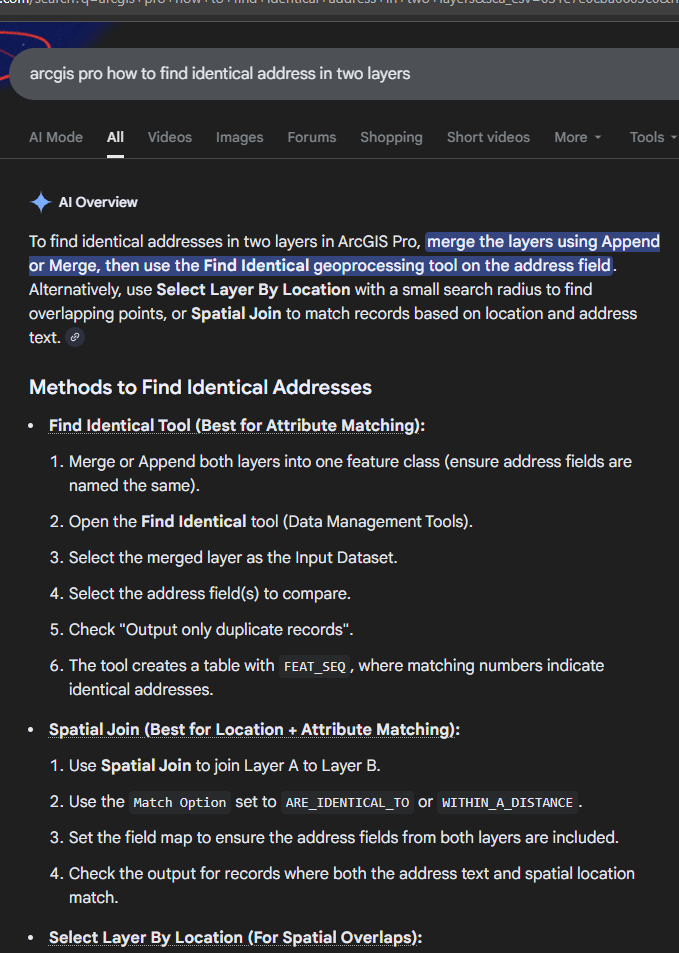
select by attributes tool does not work,
because it only allow you use one layer, while you have two layer, old and new.
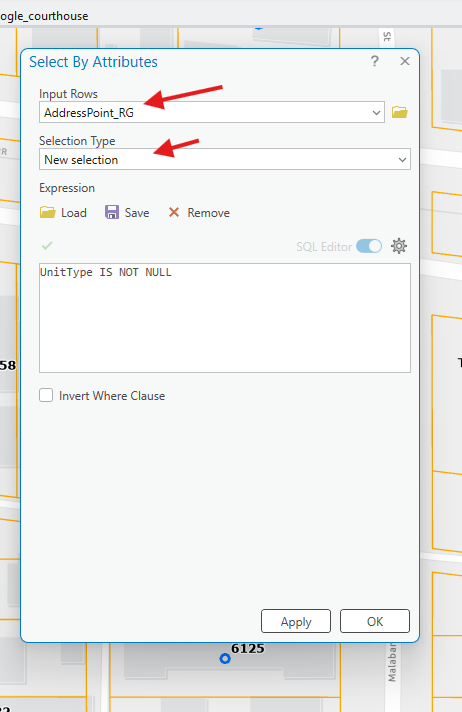
Step 8.
ArcPro and FME is general tools for everybody in everyday use.
It is not design for highly customized "smart" refinery tool.
Not using Arcpro unleashed you from the limit set by ArcPro.
Export all gis data to geojson, you are completely free to build javascript tool work on geojson.
My refinery tool is build on geojson format by javascript.
Step 9.
For USGS, they have old reservoir layer, received a new state submitted layer, how to find identical polygon between these two layer? use Arcpro is multi steps, we need a automatic tool by just one - click to do all job
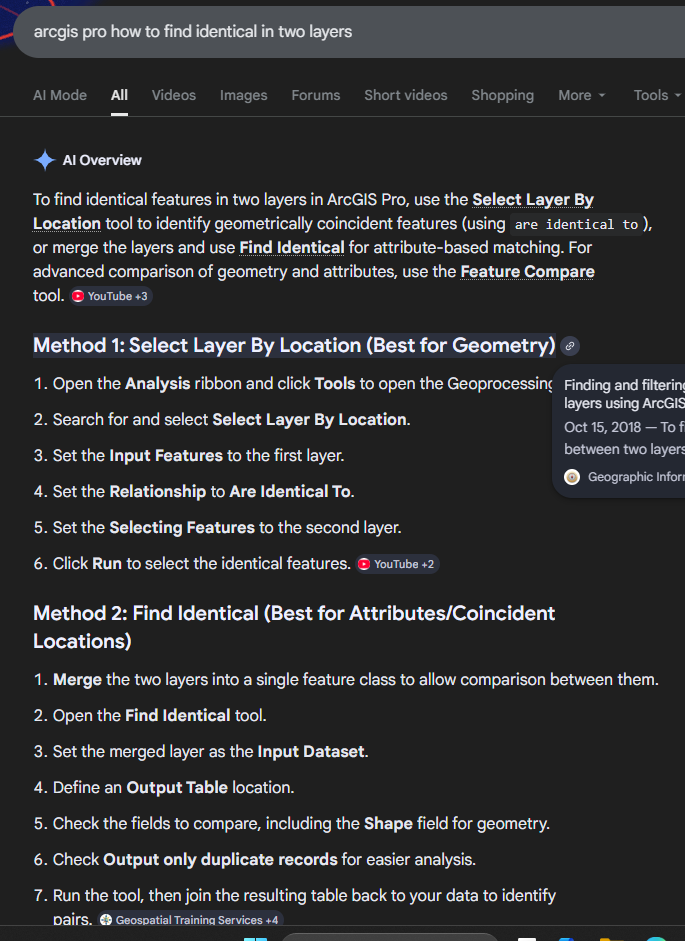
1). use select by location, set relationship as identical to.
2) in the new layer, whatever not selected polygon mark as "new", need to add to your reservoir.
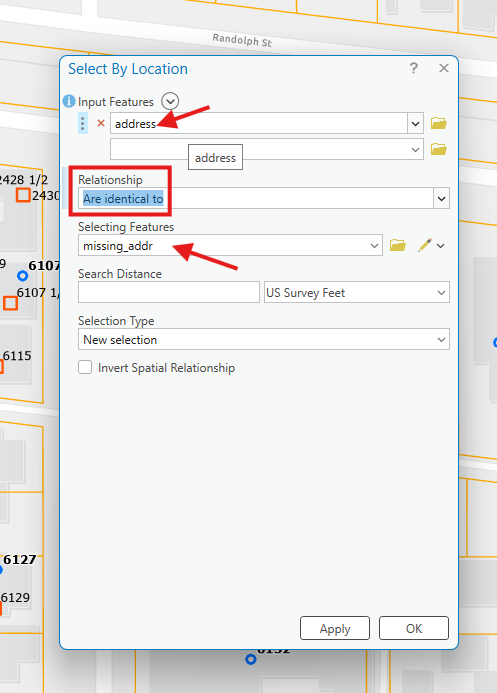
For deleted polygon, must satisfy condition: both new, old layer are same area with all polygon collected in same area.
old layer can not be your reservoir, instead it should be a same size area as new layer,
3) reverse the layer order, use select by location again. set relationship as identical to.
4). in the old layer, whatever not selected polygon mark as "removed", need to removed from your reservoir.
after these manual click, you get what polygon is new added, no change, deleted.
Then apply to your reservoir.
Step 10.
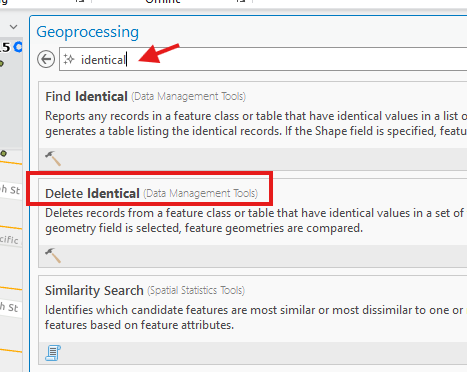
identical tool in arcpro is not working,
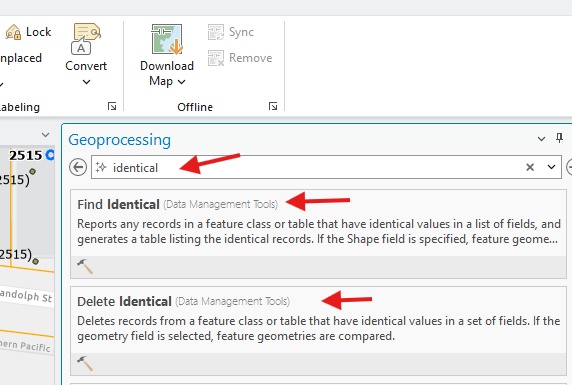
Step 11.
because identical tool only work on one layer. It can not compare 2 layer.
The hack is you merge new layer with old layer to make a single layer,
then use this tool, this hack is not work, because, it too complicated, not applicable.
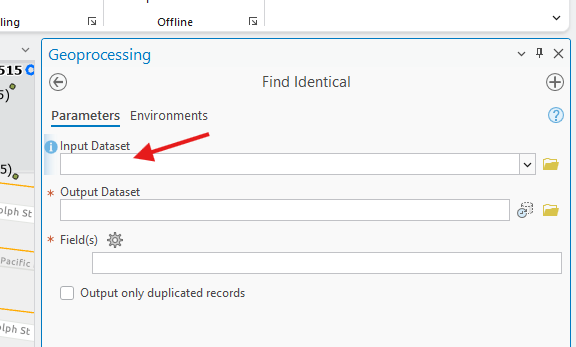
Step 12.
only works for one layer, not compare two layer.
useless for our case.
https://pro.arcgis.com/en/pro-app/3.5/tool-reference/data-management/find-identical.htm
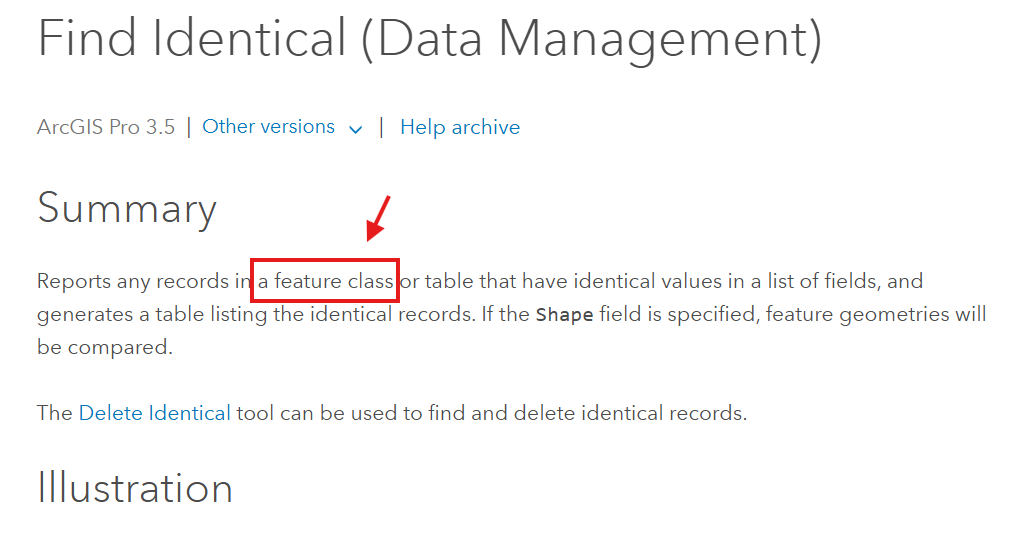
Step 13.
merge tool is not working
If you merge old address with new address,
it only merge every address point regardless it is new, old, no change.
as result, you get duplicated address point for those no change
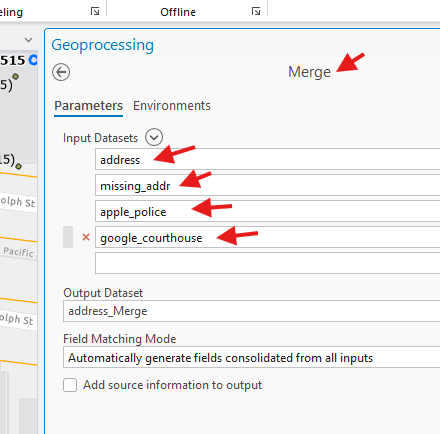
you can delete duplicate after,
but too complicated, not applicable,
we need one-click to do all button.
Step 14.
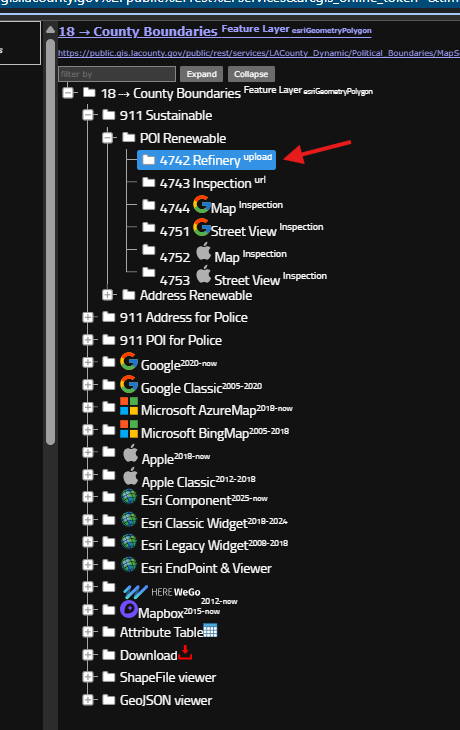
we need one-click to do all button, see here
https://transparentgov.net/json2tree/esri/server/folder.html?org=https%3A%2F%2Fpublic.gis.lacounty.gov%2Fpublic%2Frest%2Fservices&url=https%3A%2F%2Fpublic.gis.lacounty.gov%2Fpublic%2Frest%2Fservices&arcgis_online_token=&timeout=9000&select_folder=18&select_layer=18&select_folder_text=Political_Boundaries+%3Csup%3EMapServer%3C%2Fsup%3E&select_layer_text=18+%26%23x21E2%3B+County+Boundaries+%3Csup%3EFeature+Layer%3Csub%3E+esriGeometryPolygon%3C%2Fsub%3E%3C%2Fsup%3E
Step 15.
choose file button is one-click to do all job button.
you load new data first, then load old data.
then you click download geojosn button,
new data and old data will be smartly merge ( new, no change )
click delete button will remove deleted feature.
So the whole process, need 3 button click.
then when ever you received new data, do 3 button click,
you will always have current data.